Plane for Zapier (Unofficial)
Connect Plane to thousands of apps: create work items from forms and emails, find them, and act the moment new ones appear, without writing code.
Invite only. Accept the invite, then search for Plane (Unofficial) in the Zap editor.
The problem
Plane has no app in the Zapier directory. Teams on Plane copy form responses, support emails and alerts into Plane by hand, then announce new work in Slack by hand too.
What it does
Four building blocks you can combine with any of Zapier's apps.
New Work Item
Starts a Zap when a work item is created in a project you choose.
Create Work Item
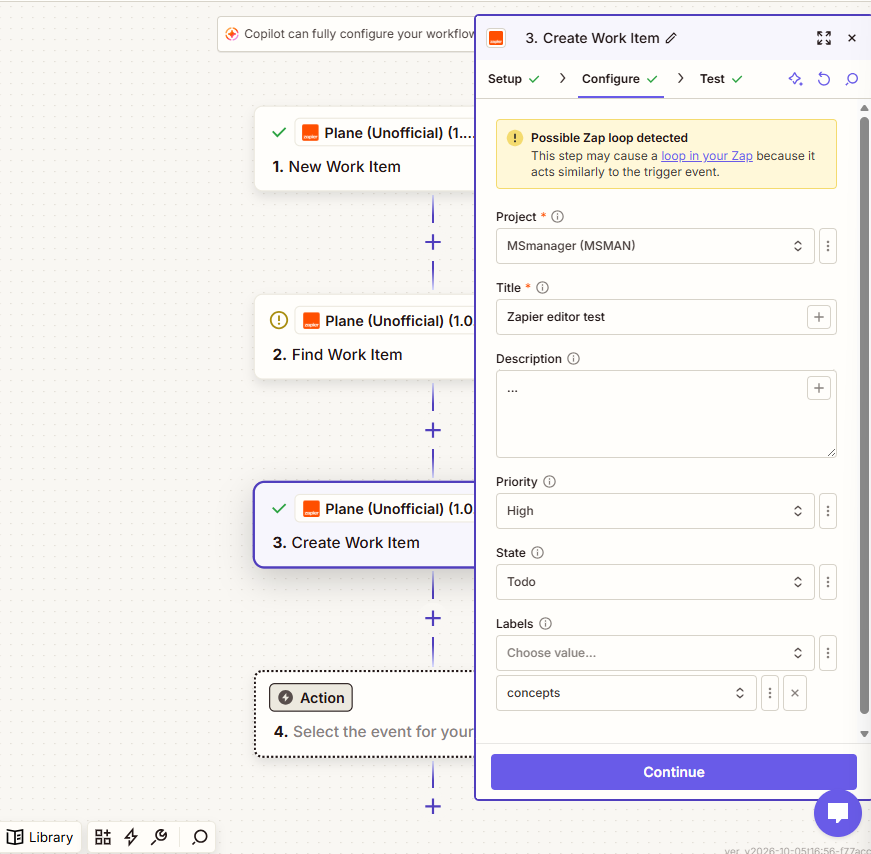
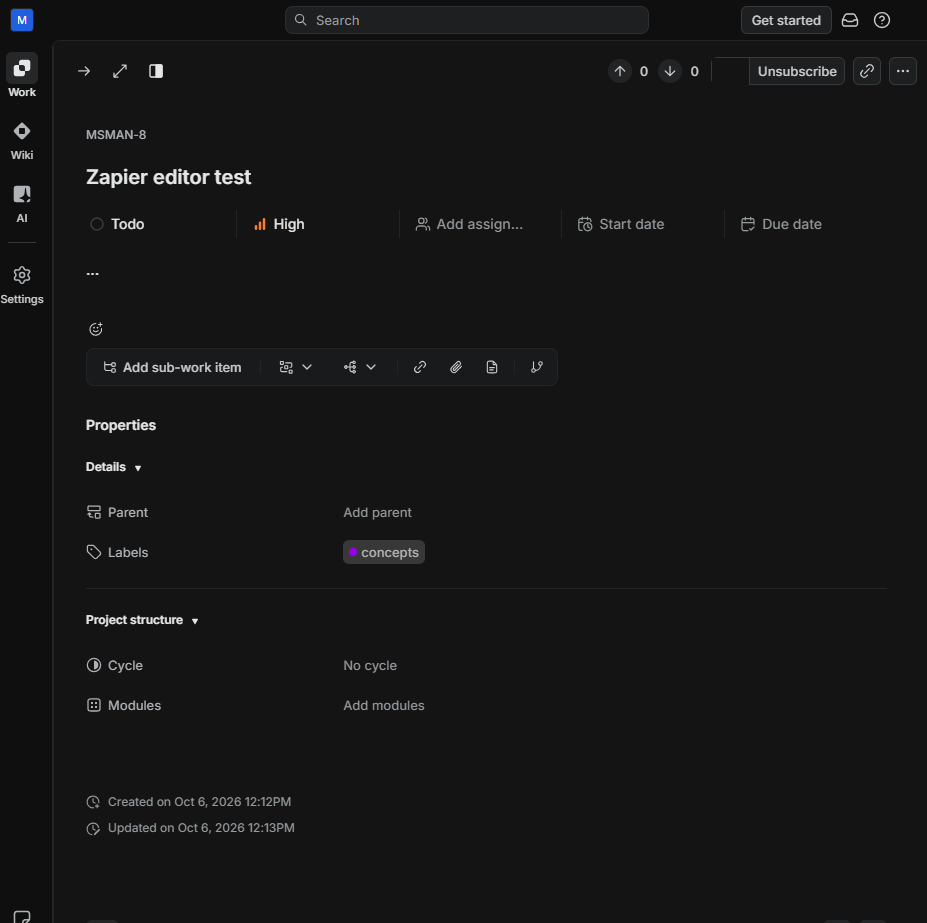
Creates a work item with title, description, priority, state and labels.
Find Work Item
Finds a work item by exact title or identifier, such as WEB-42.
Find or Create
Finds a matching item in the chosen project, or creates it if none exists.
- Dropdowns for project, state and labels, reloaded when the project changes.
- Plain-language errors for a bad key, wrong workspace, missing access and rate limits.
- Within Plane's limit of 60 requests a minute, and every step finishes within 30 seconds.
- Cloud and self-hosted: works with Plane Cloud and Community Edition.
Example Zaps
A bug-report form becomes a work item in Support, with the answers in the description.
Every new item in Website posts New: WEB-42 Customer can't reset password (high) with a link.
See it work
A new Plane work item posts to Slack through Zapier. Two minutes, no sound needed.
How to connect
It takes about a minute. You need your own Plane account; the free plan works.
-
Get a personal access token
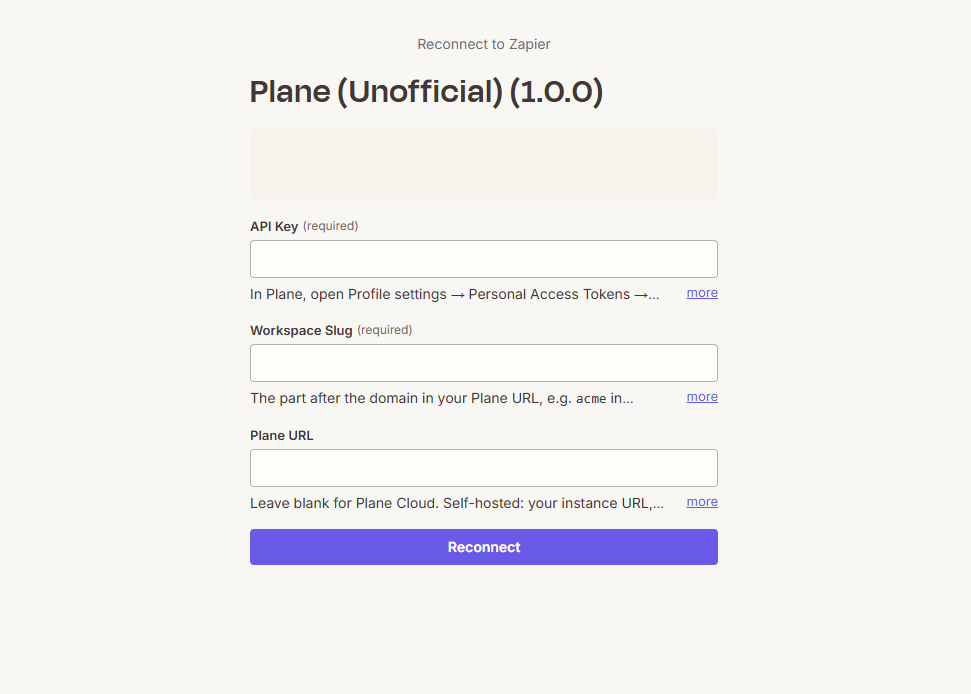
In Plane, open Profile settings → Personal Access Tokens and create a token.
-
Enter it with your workspace slug
In Zapier, paste the token as the API key and add your workspace slug:
acmeinapp.plane.so/acme/… -
Self-hosted? Add your URL
Optional. Leave blank for Plane Cloud. For self-hosted Plane, enter your instance URL. It must use HTTPS and be reachable from the internet.
Built with
Open source and tested against the real API.
- Platform
- Zapier Platform CLI v19
- Runtime
- Node 22
- API
- Plane API v1 (
/work-items/endpoints, so self-hosted Community Edition works too) - Unit tests
- 100 tests with mocked HTTP, run in CI on every push
- Live tests
- End-to-end tests against a real Plane workspace that delete everything they create